 mkaz.blog

MenuSheet
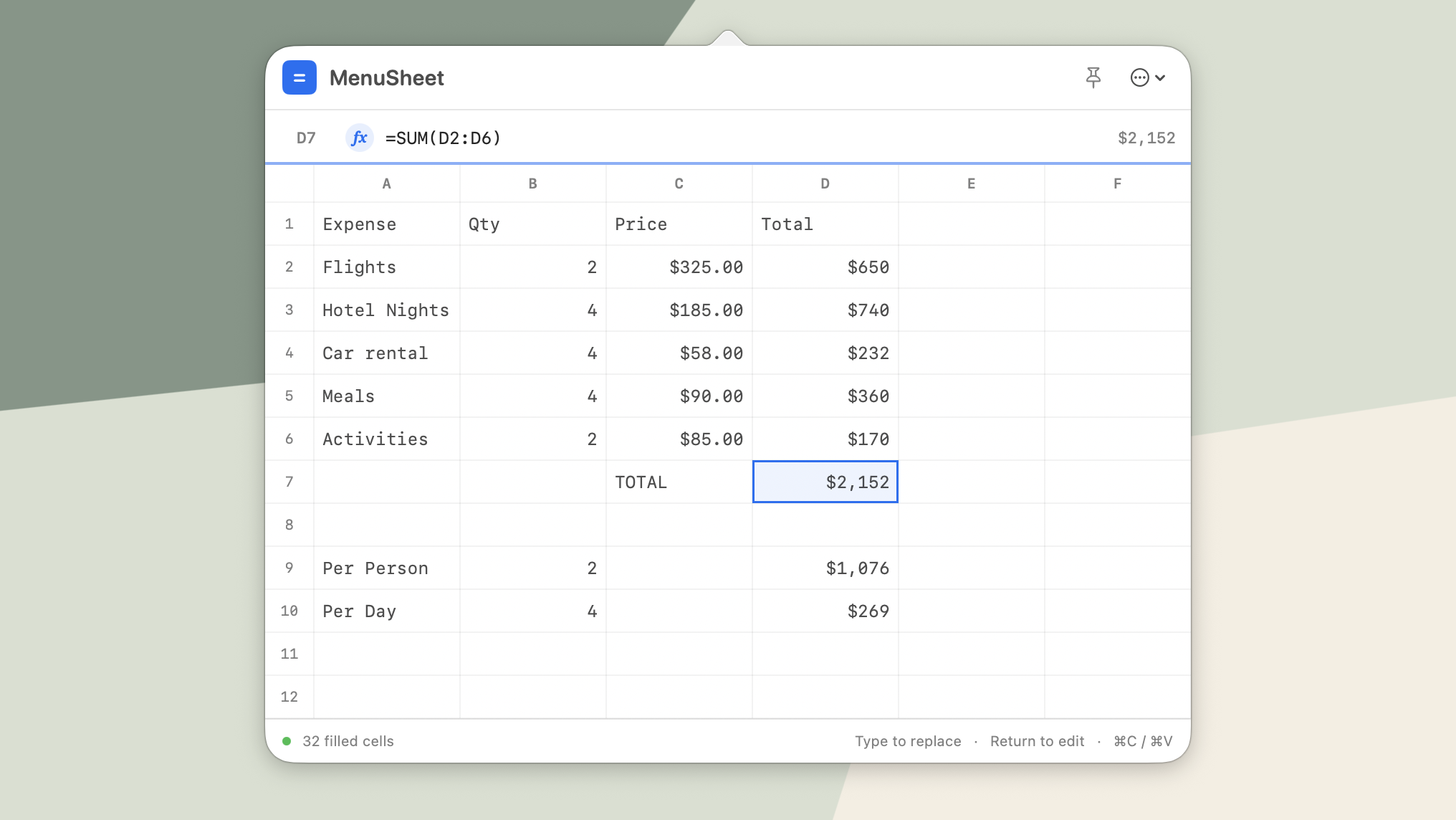
MenuSheet is a mini spreadsheet living in your menu bar for quick calculations.
Open it from the menu bar, enter a few values, write a formula, and get back to work, a handy scratchpad for your calculations. Setup a global shortcut for the fastest way to launch without opening a full app or website.

Buy once for $9.99. No subscription. No in-app purchases.
Features:
- A compact 6-column by 12-row scratch sheet
- Numbers, plain text, dates, and formulas
- Arithmetic with +, -, *, /, and parentheses
- Cell references and ranges
- SUM, AVG, MIN, MAX, DATE, and TODAY
- Keyboard-first editing, navigation, and copy/paste
- A configurable global shortcut to open MenuSheet from anywhere
- Optional Start at Login
- Export sheet to CSV or XLSX
Everything stays on your Mac. There are no accounts, analytics, advertisements, subscriptions, or in-app purchases. Available at the macOS App Store.
CHANGELOG
v1.2.0 - Sep 1, 2026
- Add: Date data type, common US, ISO and abbreviated month
- Add: Date calculations to add/subtract dates
- Improve: Auto complete final parentheses for formulas
v1.1.2 - Aug 23, 2026
- Add: Appearance settings for Dark, Light, and Automatic modes
- Add: Pin to keep MenuSheet open and on top when losing focus
v1.1.1 - Aug 23, 2026
A minor update with a few bug fixes and add ability to rate.
- Fix: CMD-A to select all cell
- Fix: Backspace clear content of all selected cells
- Fix: Recognize typing $10 as a currency number
- Fix: Recognize typing 1,000 as a comma-grouped number
- Add: Ability to Rate & Review app
- Add: Add links to support website and email
v1.1.0 - Aug 17, 2026
- Add export sheets to Excel XLSX, and CSV
- Copy, cut, and paste supports selected regions and formulas
- Add Excel style cell references using $
- Add Copy Result to context menu to copy value
- Add Undo/Redo functionality across actions
- Add Percent number formatting
- Widen cells to 12 characters
- Fix: Parse comma-grouped numbers as numeric when pasted
- Fix: Footer display caps at 2 decimal places
- Fix: Global shortcut key toggles display, hides if showing
Privacy Policy
Last updated: August 7, 2026
MenuSheet is a simple spreadsheet utility that runs on your device.
No information is collected. There are no accounts, logins, analytics, tracking, advertising, or usage data. Nothing you enter into the app is sent anywhere by us. Nothing is stored on external servers.
Your spreadsheets and calculations stay on your device. If you choose to use your device’s sharing, backup, cloud-storage, or export features, those services handle your data according to their own privacy policies.
No third-party services are used to collect information about you.
Since no personal information is collected, there’s nothing to retain, sell, share, or delete.
Support
Please reach out to me at marcus@mkaz.com if you have any issues, or feedback.